My new hire’s week
Hello All, here’s the next new trick: treat your AI like a new hire, not a search box.
In Part 2 I shared my AI team: one chief of staff that hands work to specialist agents. Here’s what that looks like in a normal week.
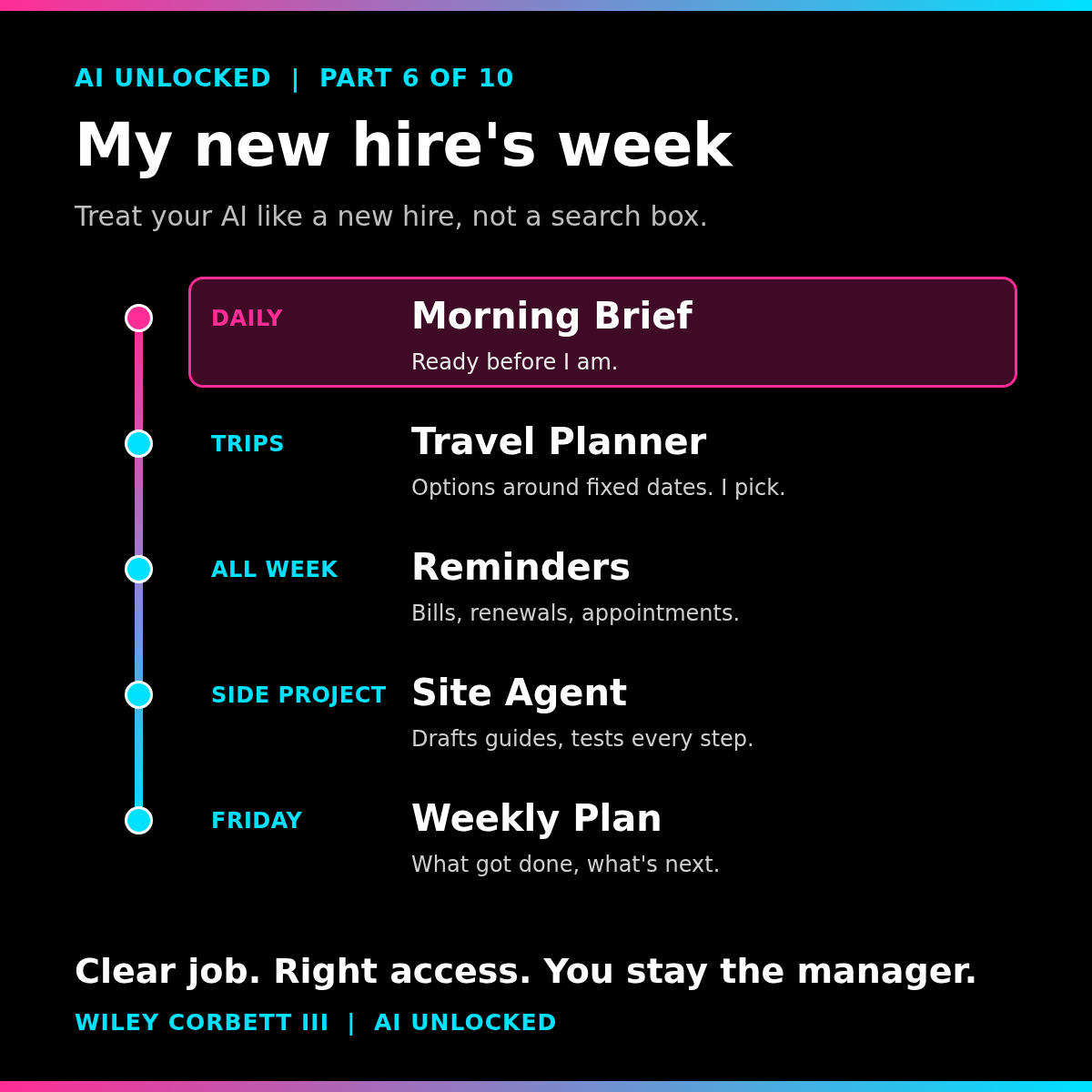
Every morning, my brief is ready before I am: calendar, what needs me, what’s due.
When a trip comes up, the travel agent builds options around my fixed dates, and I pick one.
All week, a reminders agent keeps bills, renewals and appointments from slipping.
On my side project, a site agent drafts how-to guides and tests each step before I review them.
Friday, a weekly plan shows what got done and what’s next.
It’s steady, and that’s the point.
Here’s what I’ve learned: treat it like any good hire. Give it a clear job description, the access it needs and nothing more, and a check-in before anything leaves your hands. You stay the manager.
If you hired one this week, what’s the first job you’d give it?
#AIUnlocked
Go deeper
A good new hire needs onboarding, and so does an AI assistant. An About me note is that first-day conversation: where you live, your time zone, when your day starts, what you want help with most and how you like answers. It also sets the ground rules: never send, delete, pay for or book anything without asking first, and ask a question instead of guessing.
The job description is the routine. Every job in this week maps to one in the kit: the morning brief, the travel planner, reminders and the weekly plan, each in home and work versions.
The access it needs and nothing more is the same rule from Part 4. Connect only the apps that job needs. If you want to start cautiously, give the bot its own email address and forward it receipts or confirmations instead of connecting your whole inbox. Every email it sends from that address waits for your OK.
Get the weekly AI Unlocked notes.
New guides, agent templates, and tool updates, in plain English.
No spam, unsubscribe anytime. We’ll never sell your email or share it with advertisers. It’s used only by AI Unlocked to send these notes. Privacy policy.
Questions? wiley@mail.grokbot.com.