AI that
works for you.
Learn it. Build it. Use it.
Plain-English playbooks and ready-made agent setups for Grok Bot. Built for busy professionals.
The AI Unlocked Starter Kit guide, free. A plain-English PDF for getting started with Grok Bot. No sign-up needed.

About Wiley
25+ years leading businesses through technology paradigm shifts. Today he's focused on agentic AI and runs his own team of AI agents every day.
Free guide
The AI Unlocked Starter Kit guide, free for everyone.
A plain-English guide to getting started with Grok Bot at home, at work and in a small business: setup, paste-ready routines, safety habits and ready-made bots.
Free download
5 prompts to put your AI to work today
A one-page PDF with five paste-ready prompts for your inbox, calendar, research, writing and weekly planning.
You’ll also get the weekly AI Unlocked notes. Unsubscribe anytime. Privacy policy.
The AI Unlocked series
-
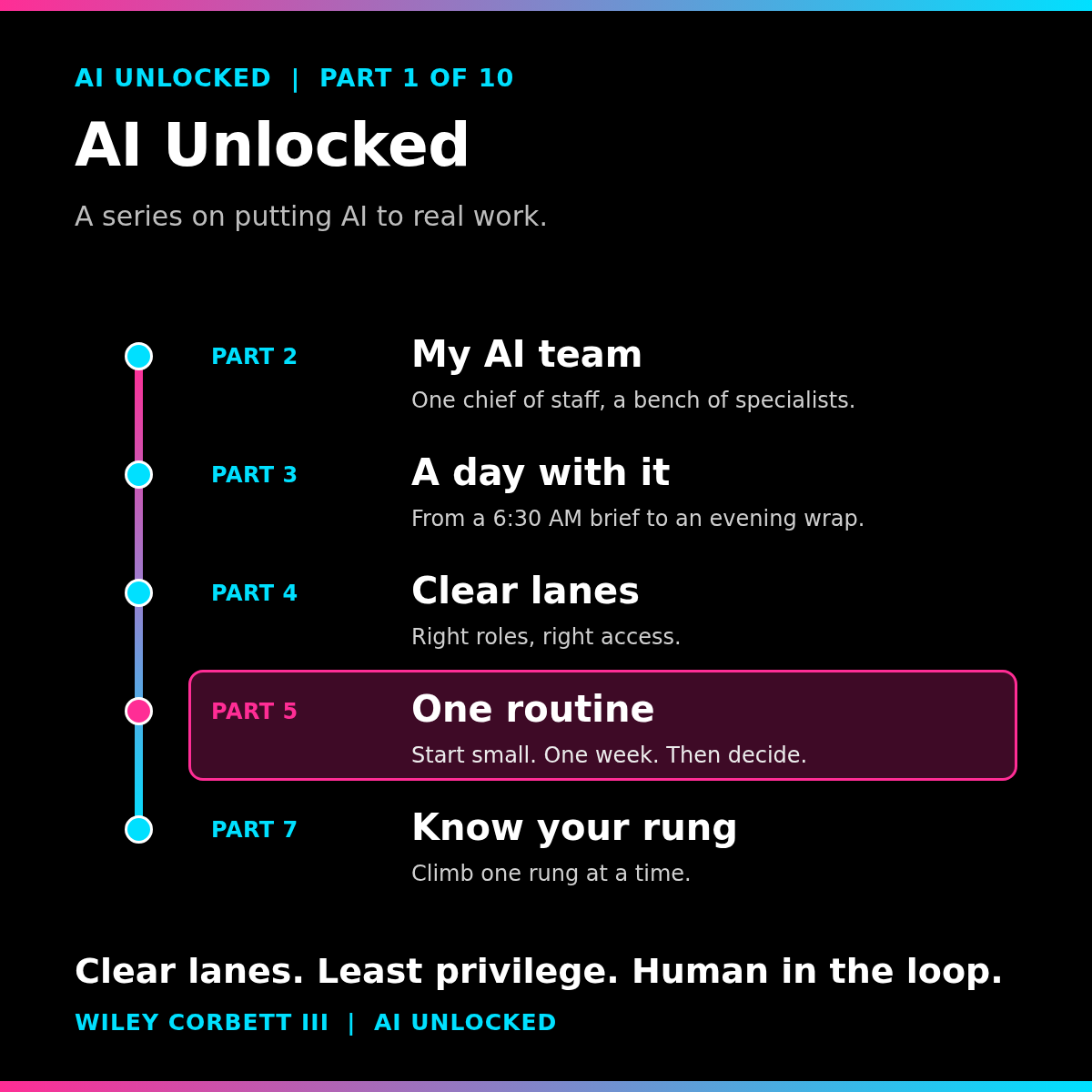 Part 1
AI Unlocked: a series kickoff
Why I started the series, and the path from one chat to a team of agents. Read Part 1 → -
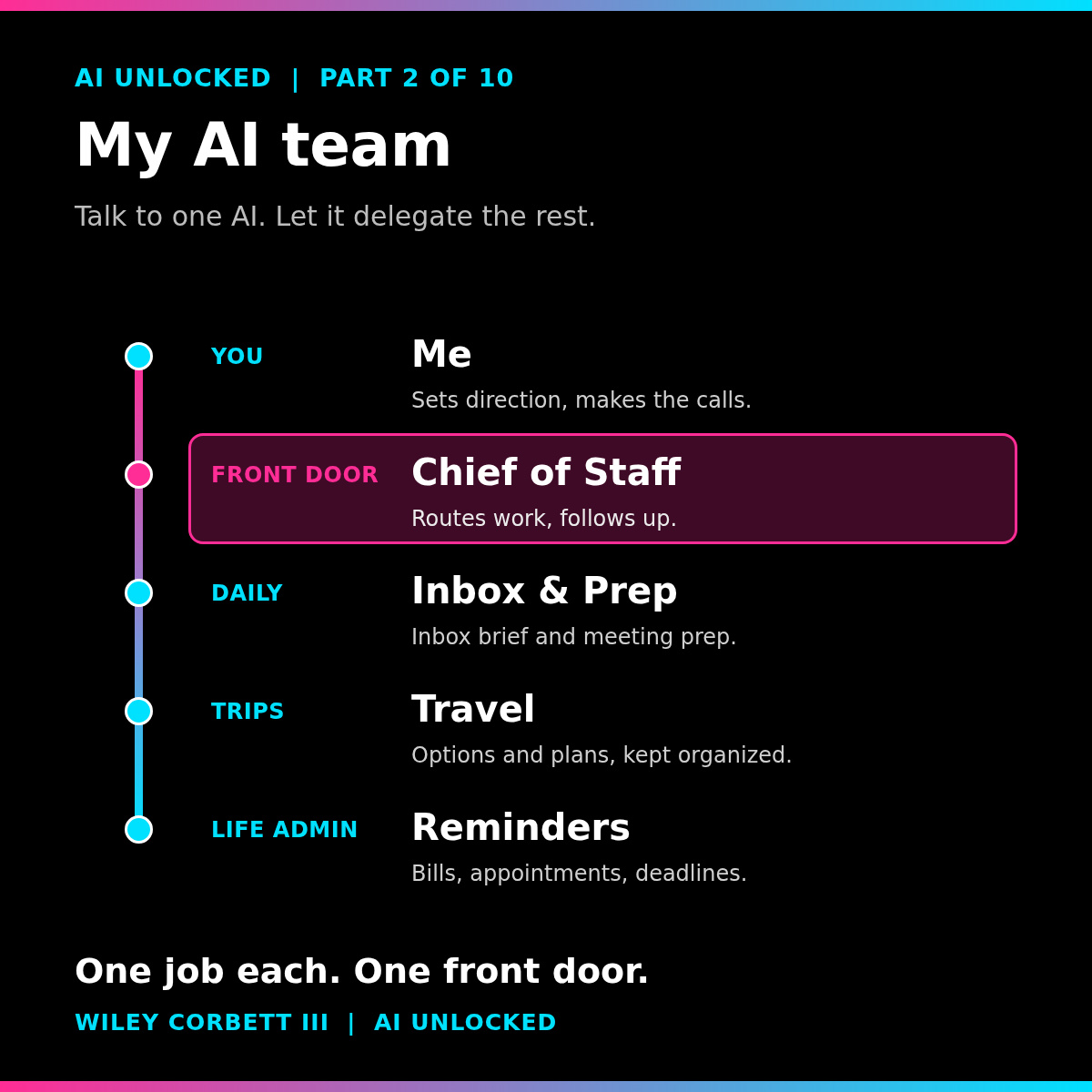 Part 2
My AI team, and the org chart behind it
Talk to one AI chief of staff and let it delegate to specialists. Read Part 2 → -
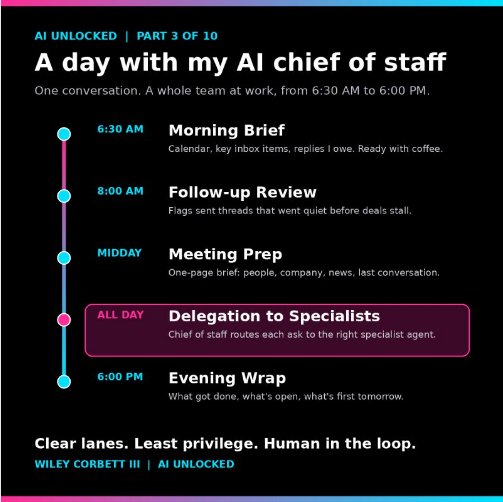 Part 3
A day with my AI chief of staff
From a 6:30 AM brief to an evening wrap: one conversation, a whole team at work. Read Part 3 → -
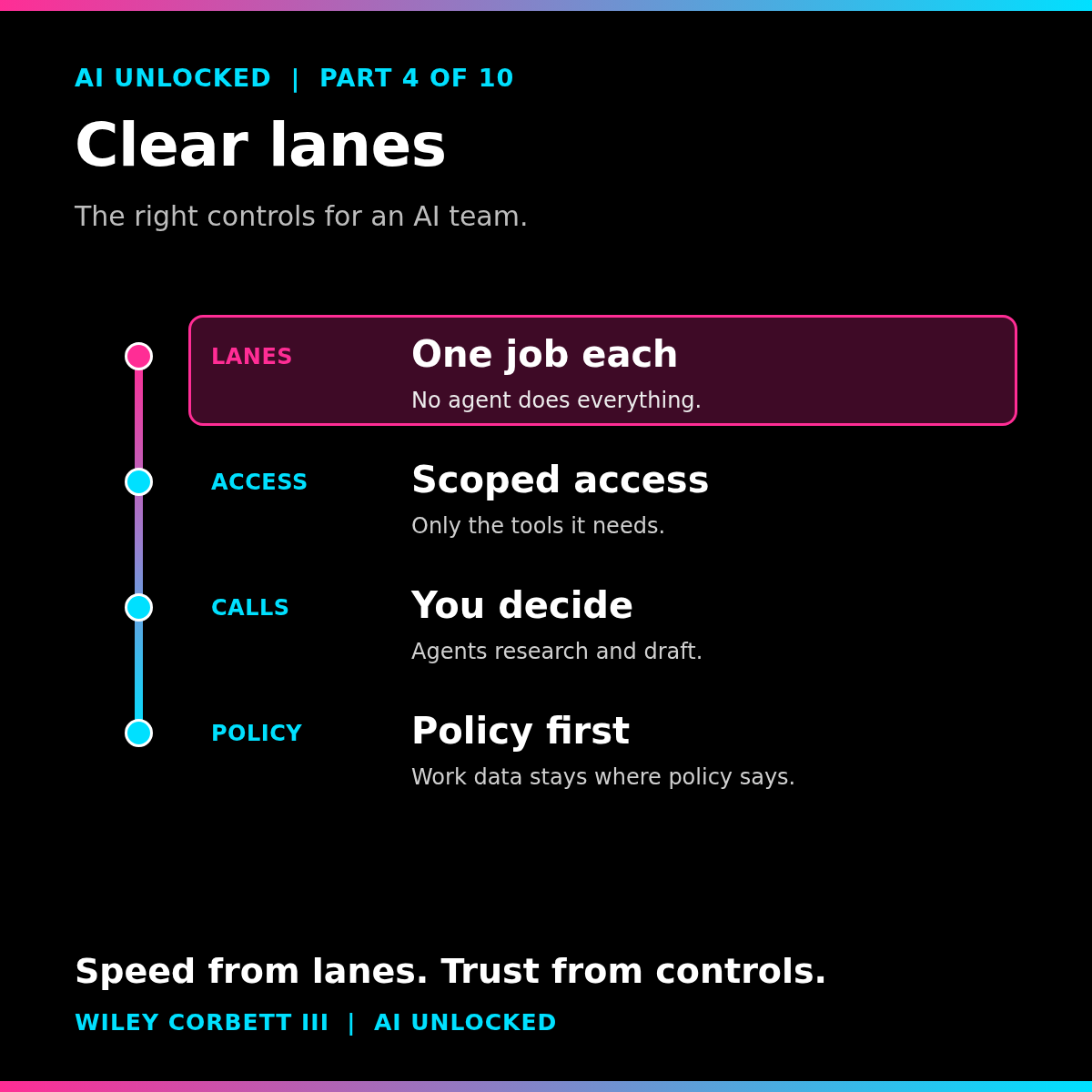 Part 4
Clear lanes and the right controls
One job per agent, scoped access, and you make the calls. Read Part 4 → -
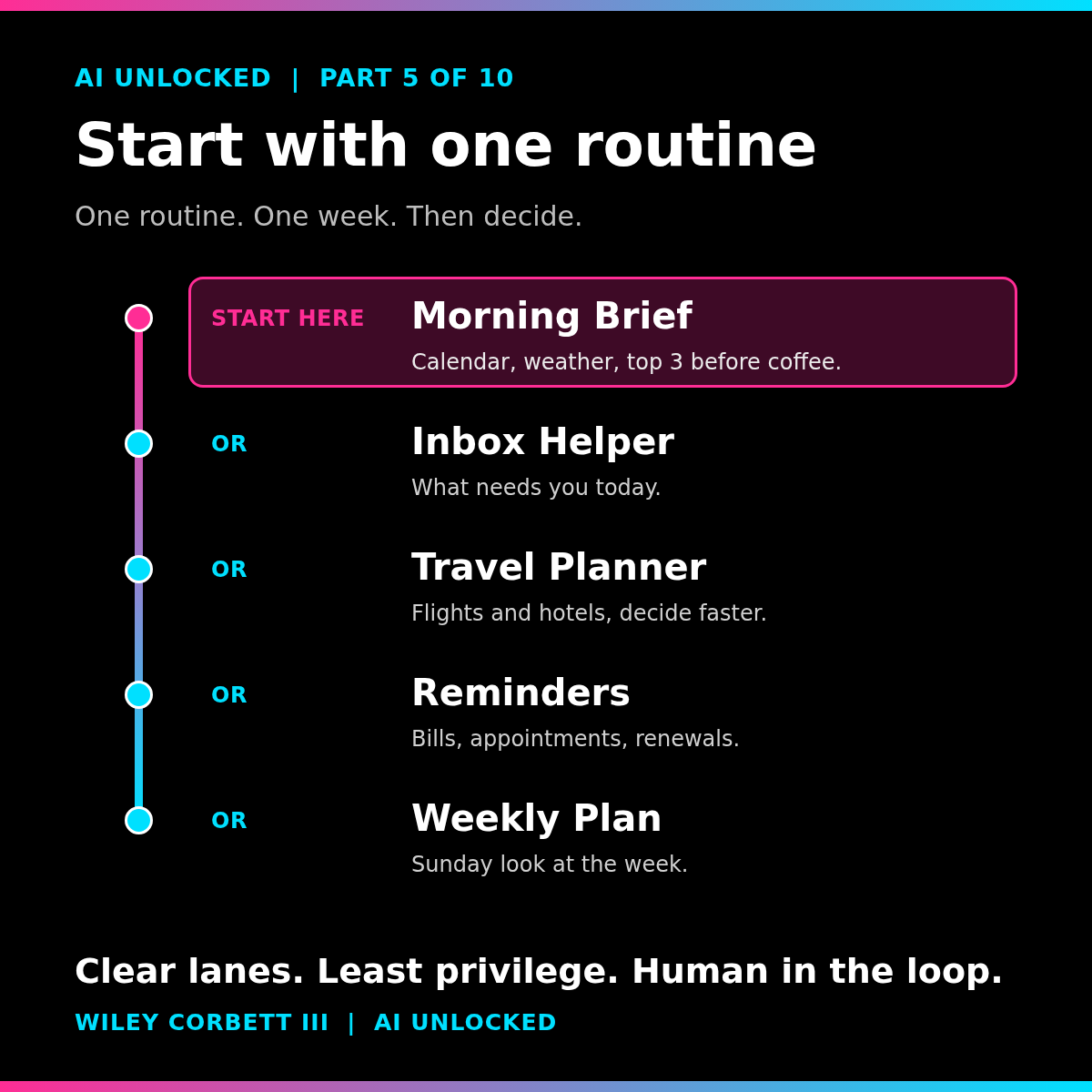 Part 5
Start with one routine
Pick one of five routines, run it for a week, then decide. Read Part 5 → -
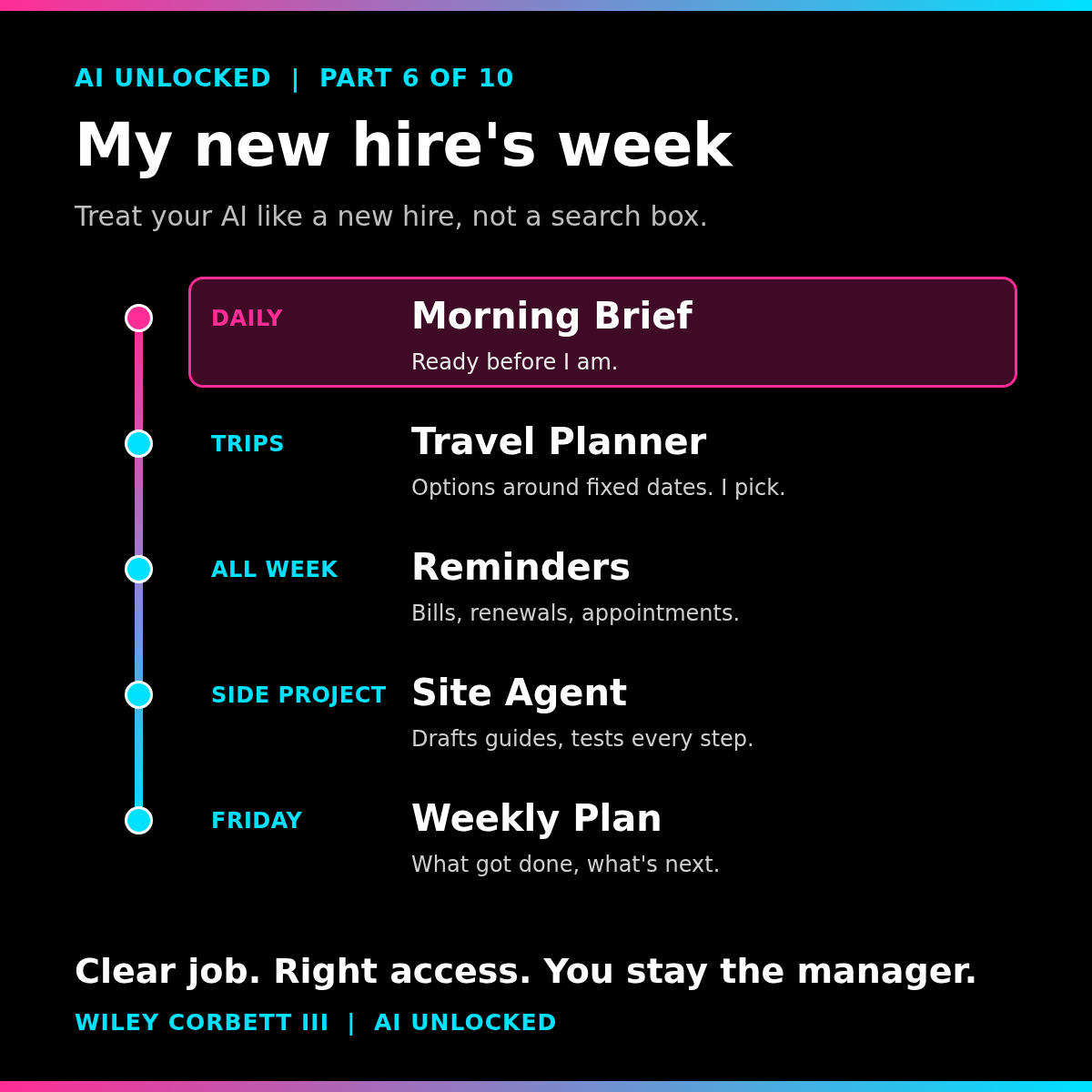 Part 6
My new hire’s week
Treat your AI like a competent new hire, not a search box. Read Part 6 → -
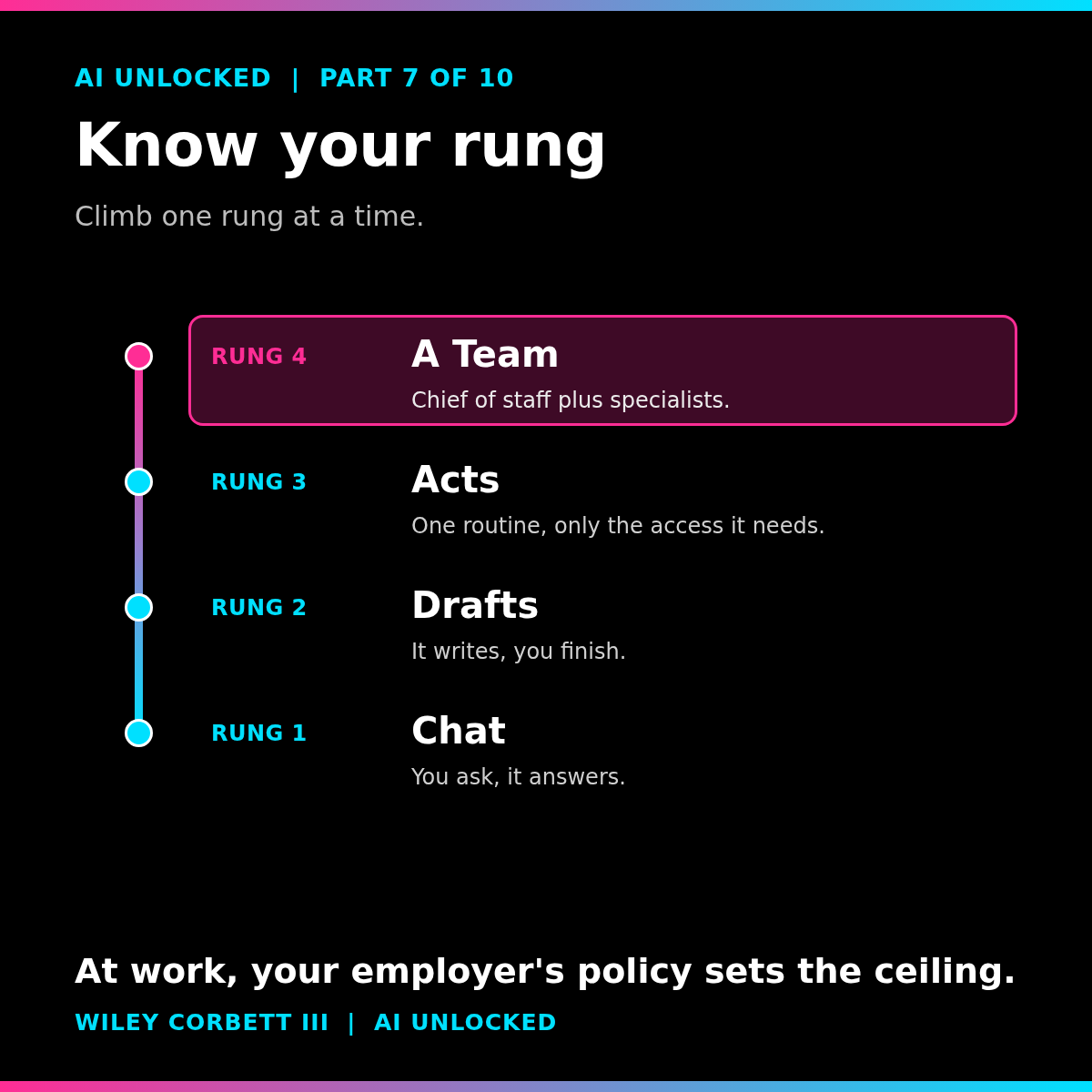 Part 7
Know your rung
Chat, drafts, acts, a team: climb one rung at a time. Read Part 7 →
What you can hand off.
Real everyday work an AI agent can take off your plate, with you still in control.
Morning brief
One short summary of today's inbox and calendar, waiting when you sit down.
✓Read-only access Sales leadersMeeting prep
Who you're meeting, what was said last time, and what to ask, before every call.
✓Read-only access Small businessFollow-up tracker
Spots threads that went quiet and drafts a friendly nudge for each.
✓You approve before it sends Small businessA simple website
Built from your notes and kept current whenever something changes.
✓You approve before it goes live PersonalTravel research
Options, prices and a day-by-day itinerary, gathered while you do other things.
✓Never books or pays PersonalInbox organized
Sorts, labels and surfaces what matters so nothing important gets buried.
✓Drafts onlyTalk to one AI.
Let it delegate.
My AI team
One chief of staff routes the work. Specialists do it. I make the calls.
Daily Rhythm
so nothing important slips
arrives with sharp questions
and keeps every trip organized
Growth
and sets weekly hunting priorities
to find the right door in
for warm new-logo intros
to open with relevant insight
before I write a word
and flags risks to review
Life Admin
organized and on schedule
so planning starts early
Clear lanes. Least privilege. Human in the loop.
- 01
Talk to one AI
Your AI chief of staff is the front door: one conversation, one morning brief.
- 02
Let it delegate
It routes each request to the right specialist and brings the result back.
- 03
Clear lanes
Specialists each have one job and only the access it needs. You make the calls.
A day with my
AI chief of staff.
AI Unlocked | Part 3 of 10
A day with my AI chief of staff
One conversation. A whole team at work, from 6:30 AM to 6:00 PM.
- 6:30 AM Morning BriefCalendar, key inbox items, replies I owe. Ready with coffee.
- 8:00 AM Follow-up ReviewFlags sent threads that went quiet before deals stall.
- Midday Meeting PrepOne-page brief: people, company, news, last conversation.
- All day Delegation to SpecialistsChief of staff routes each ask to the right specialist agent.
- 6:00 PM Evening WrapWhat got done, what's open, what's first tomorrow.
Clear lanes. Least privilege. Human in the loop.
- 01
6:30 AM: Morning brief
Make it a daily Grok Bot routine: "Every weekday at 6:30 AM, send me my calendar, the inbox items that matter, and the replies I owe." Read-only access is enough.
- 02
8:00 AM: Follow-up review
A second weekday routine: "At 8:00 AM, review what I sent last week and flag threads with no reply." Any nudge it drafts waits for your approval.
- 03
Midday: Meeting prep
Before each call, ask your chief of staff for a one-page brief: the people, their company, recent news, and what you discussed last time. Public sources plus your own notes.
- 04
All day: Delegation
Ask for one thing and let the chief of staff route it. In Grok Bot, Bots can hand work to other Bots, so research and trip planning go to specialists and come back to one place.
- 05
6:00 PM: Evening wrap
A daily routine at 6:00 PM: what got done, what is still open, and what is first tomorrow. You close the laptop with a plan.
How do I…
…understand what an AI agent actually is?
Read the guide › Guide…write instructions an agent will follow?
Read the guide › Guide…give my bot its own email address?
Read the guide › Template…get a daily brief of my inbox and calendar?
Use the template › Template…prep for meetings in two minutes?
Use the template › Template…build a simple website with an agent?
Use the template ›One platform.
Every playbook.
Your first agent.
Four steps.
- 01
Learn the basics
What an agent is, and what it isn't.
- 02
Set up Grok Bot
Create your first Bot and connect only what it needs.
- 03
Copy a template
Start from a proven agent setup.
- 04
Set safe guardrails
You approve before anything is sent. Enterprise-Safe AI
Copy-ready agent templates.
Follow-Up Tracker Agent
Scans your sent mail for promises and unanswered threads so nothing slips.
Use template ›SalesMeeting Prep Agent
A one-page brief before every external meeting: who's attending, recent threads, open items, and smart questions.
Use template ›Any leaderMorning Brief Agent
A daily summary of your calendar, urgent emails, and open follow-ups, delivered before your first meeting.
Use template ›BuildersSimple Website Builder Agent
Have a coding agent build and update a small static website from plain-English requests.
Use template ›See all templates Grok Bot template marketplace Sales leader playbook
Get the weekly AI Unlocked notes.
New guides, agent templates, and tool updates, in plain English.
No spam, unsubscribe anytime. We’ll never sell your email or share it with advertisers. It’s used only by AI Unlocked to send these notes. Privacy policy.
Questions? wiley@mail.grokbot.com.
Quick answers.
Which platform do the playbooks use?
Grok Bot. Every playbook and agent setup on this site is written for Grok Bot. Check with your company before connecting work accounts.
Is it safe to use AI agents with work email and files?
It can be, with the right settings: use approved tools, keep a human approval step before anything is sent, and never paste customer data into unapproved apps. See Enterprise-Safe AI.
What is an AI agent?
An AI agent is an AI assistant that can take multi-step actions toward a goal, such as reading your inbox, drafting replies, or running research, using tools you connect and rules you set.
Do I need to know how to code?
No. Most guides here are written for business professionals. Developer-focused guides are labeled.